📸 THE APP
Designed for clarity
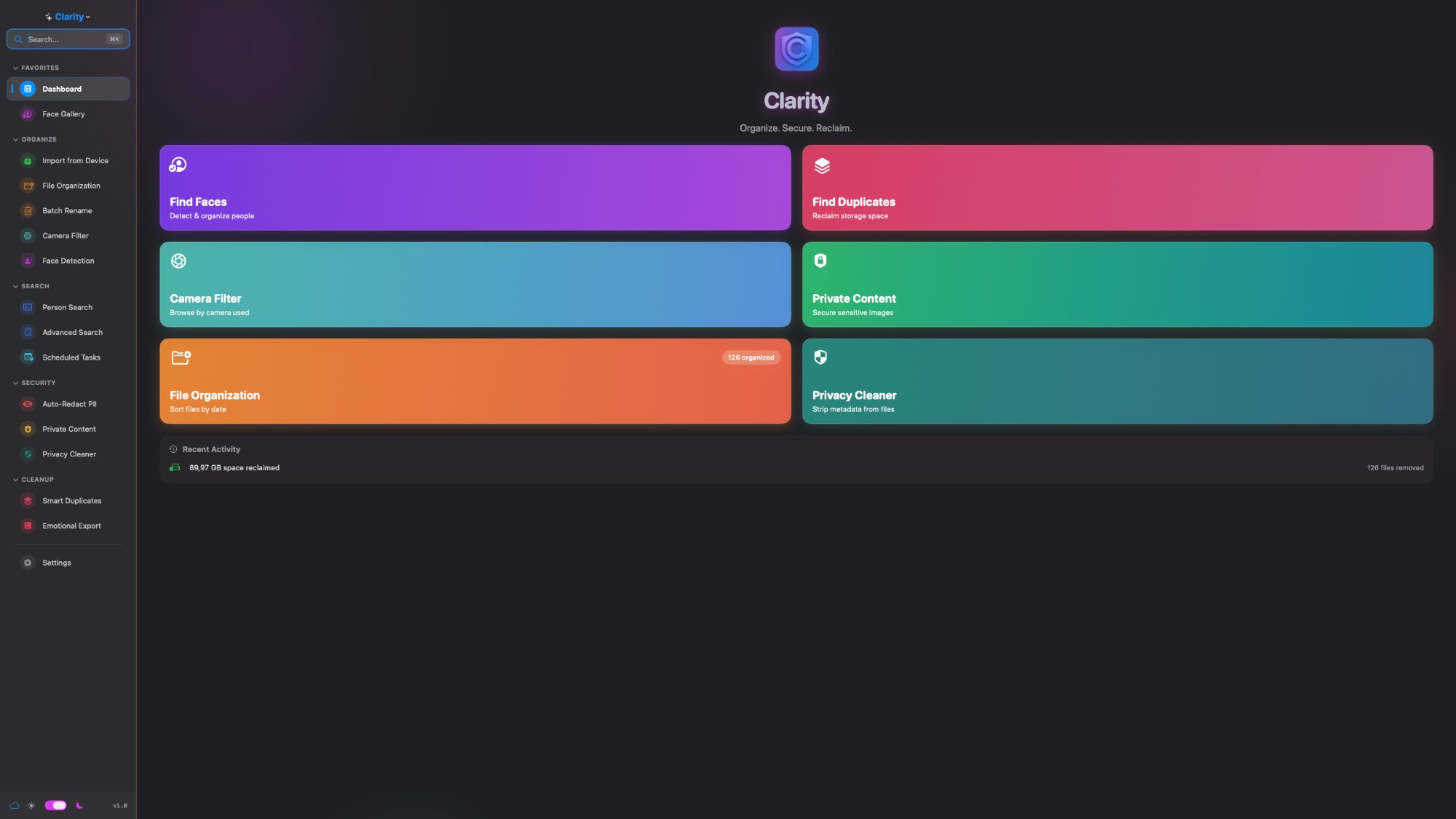
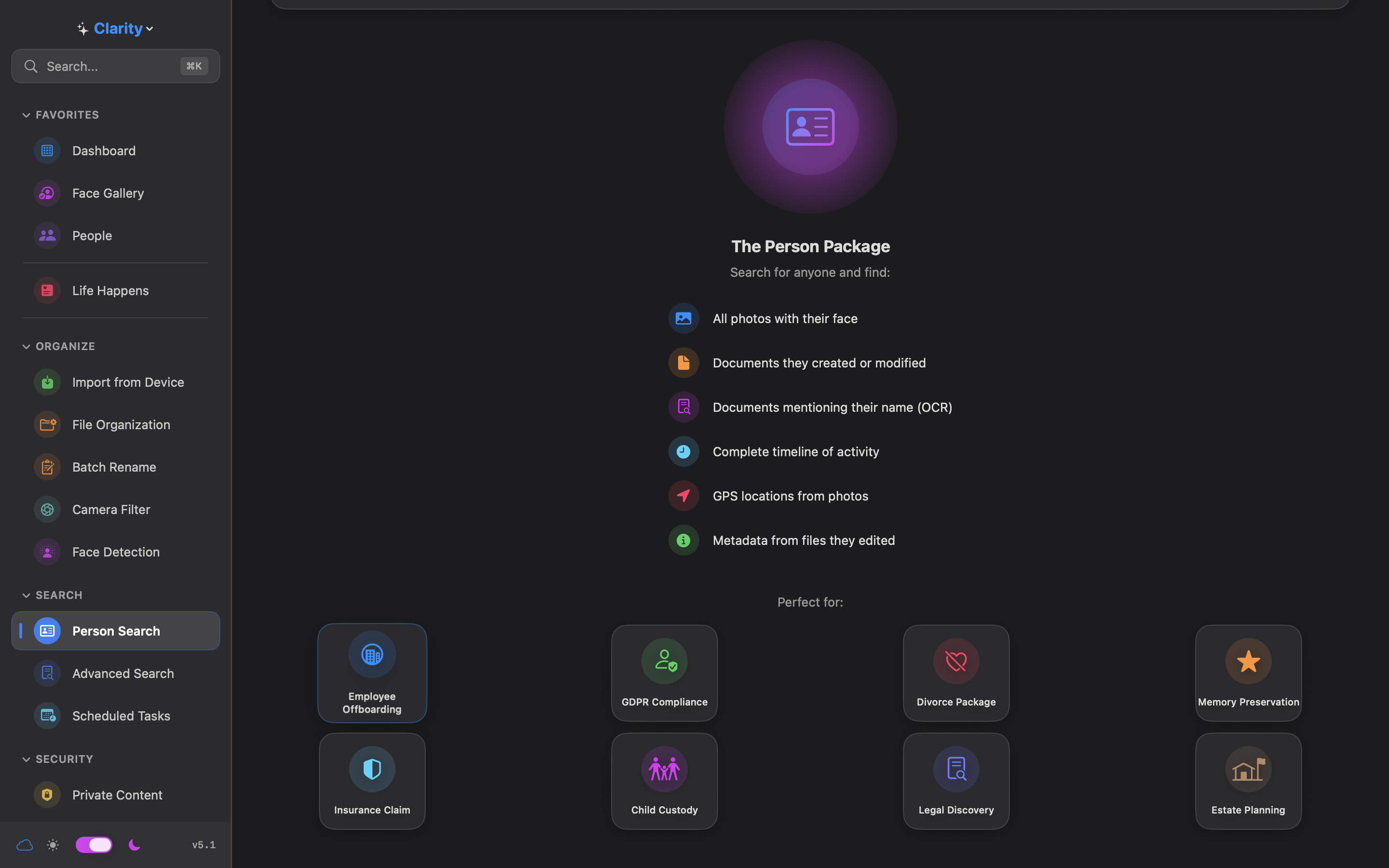
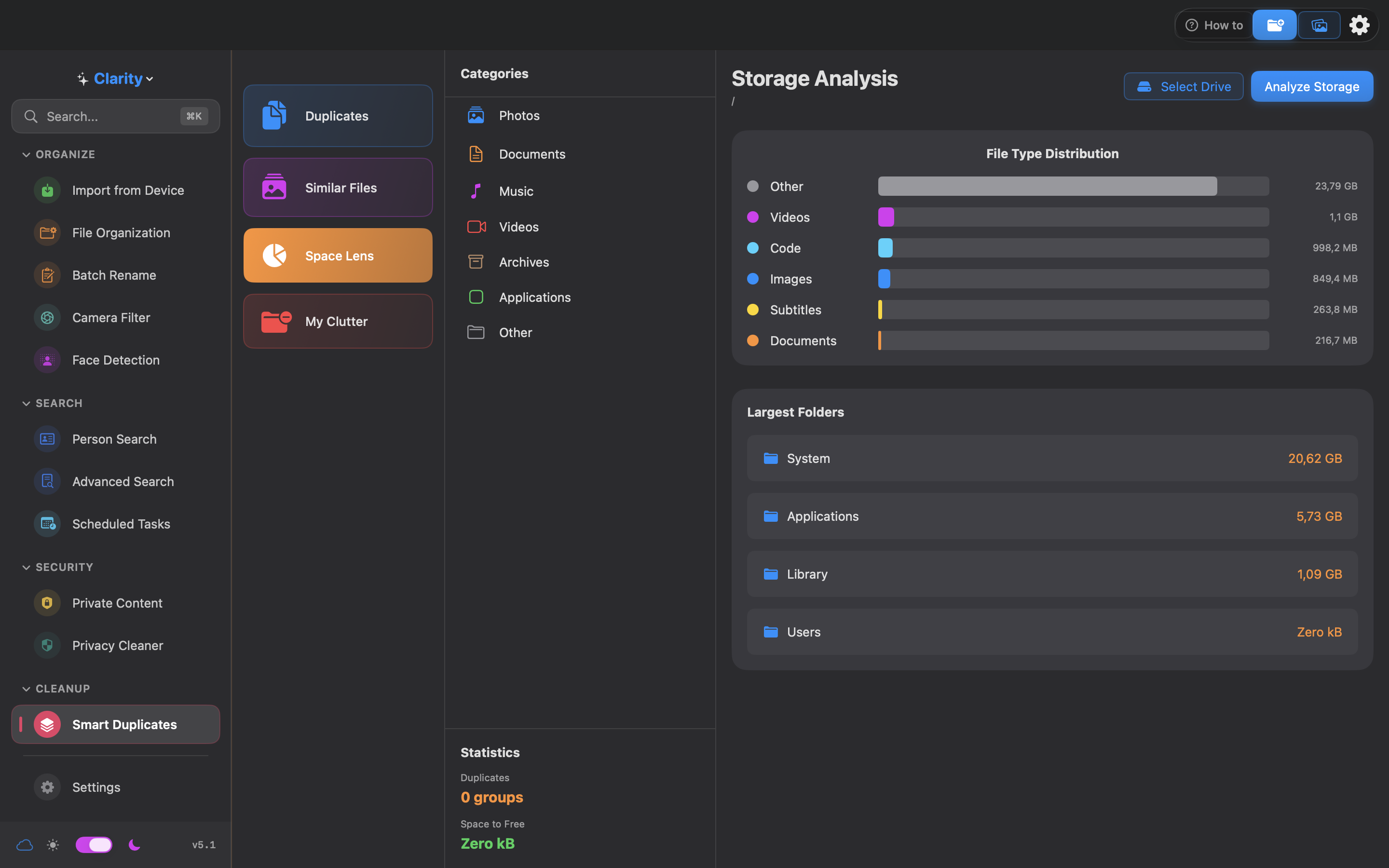
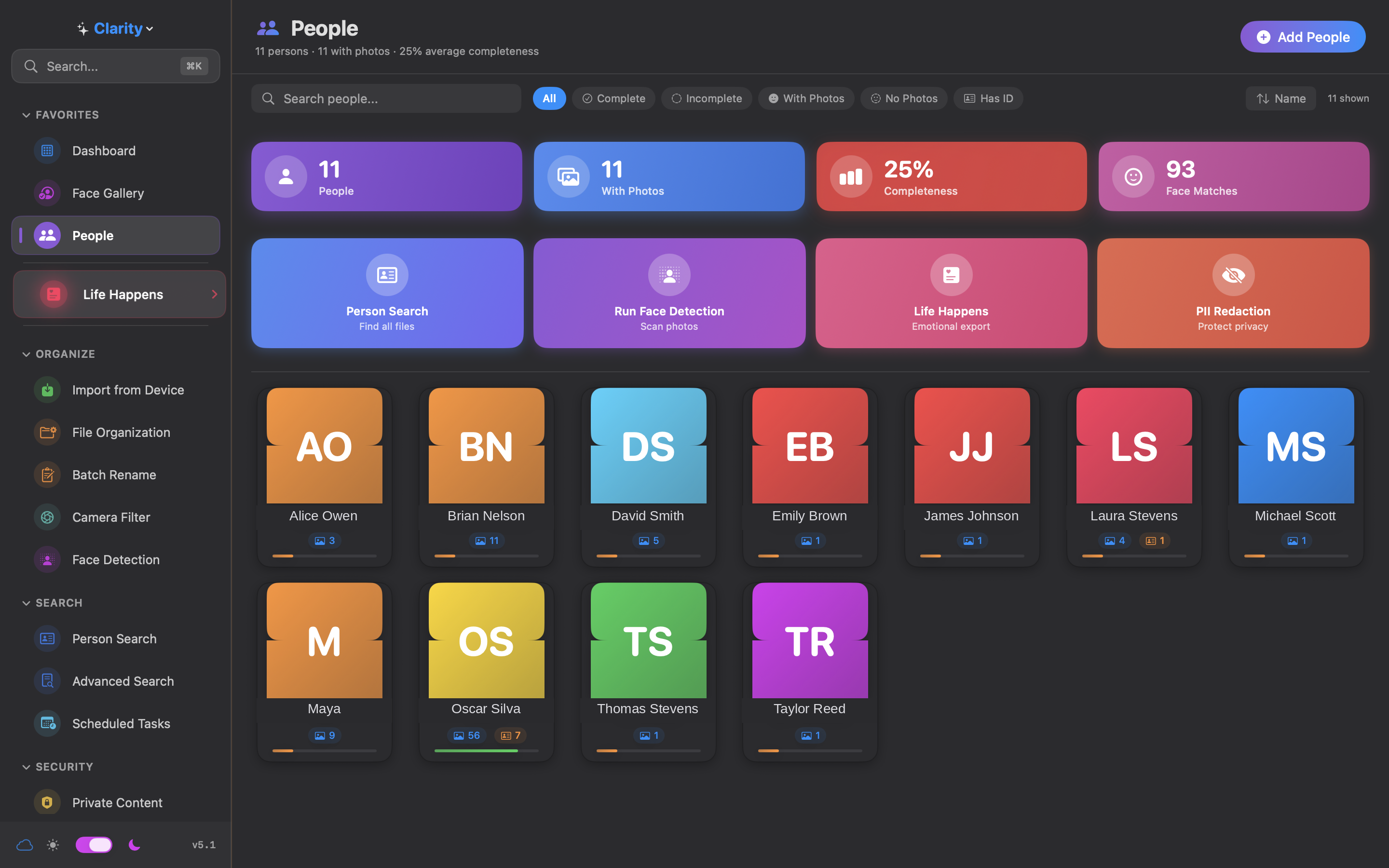
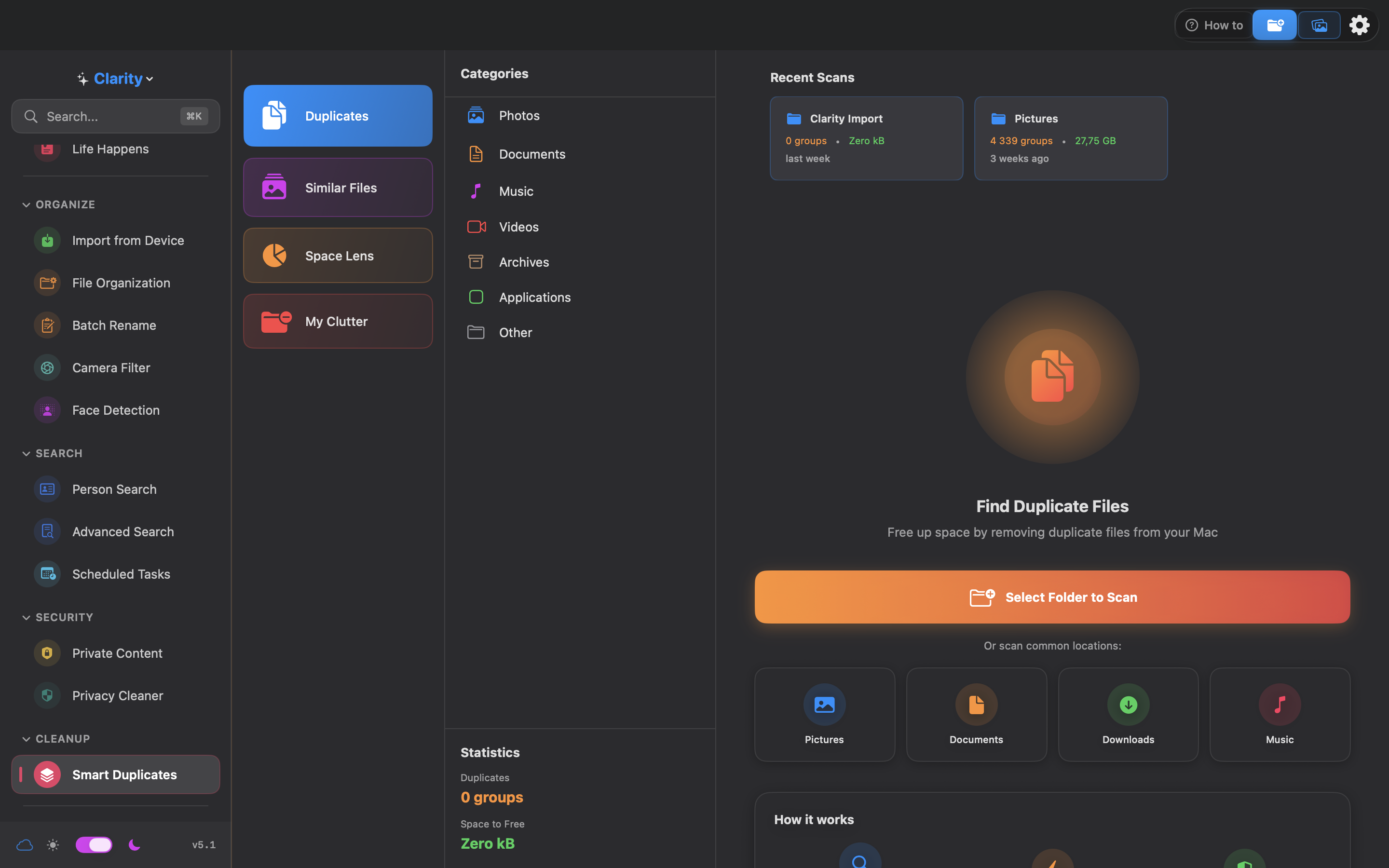
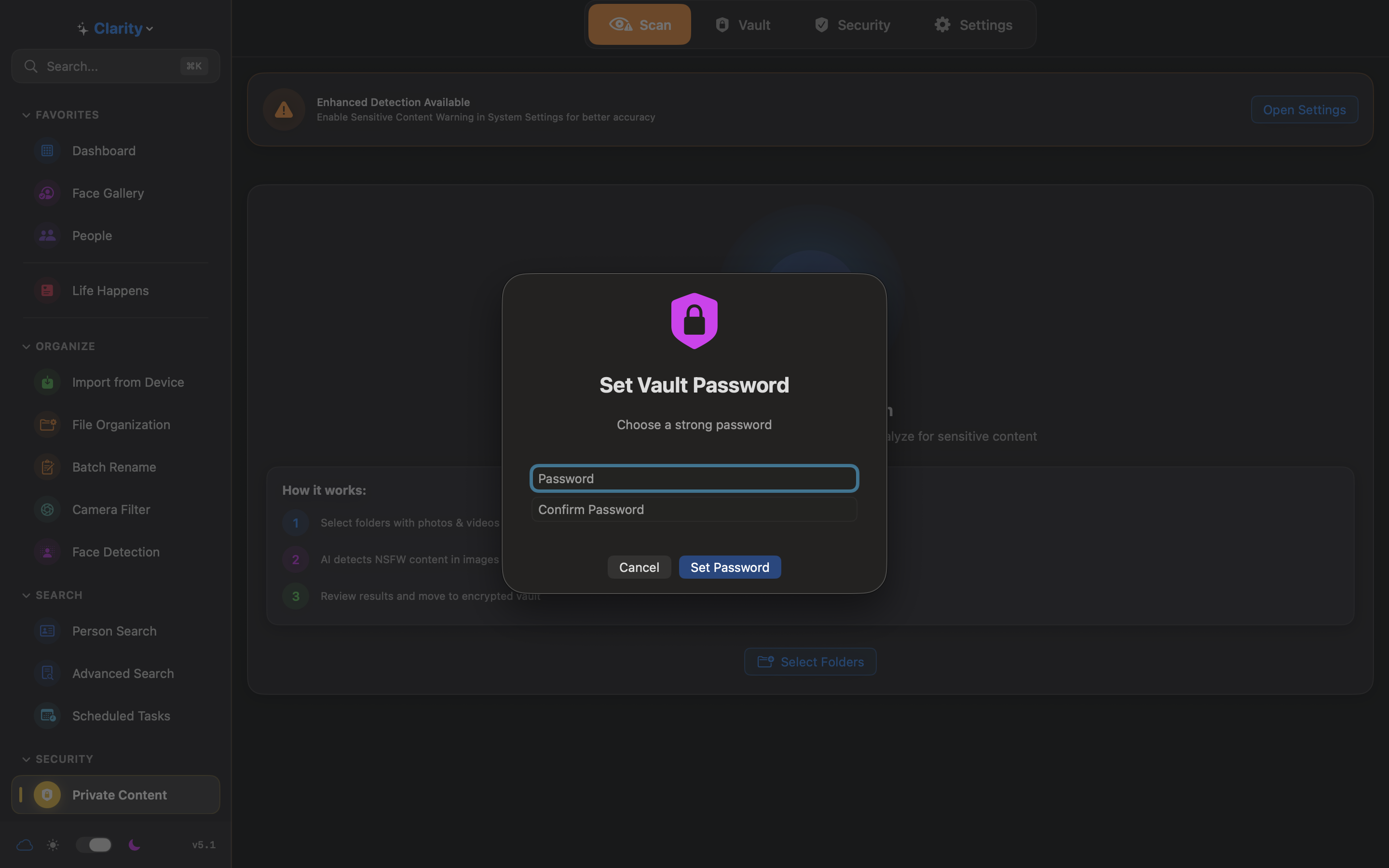
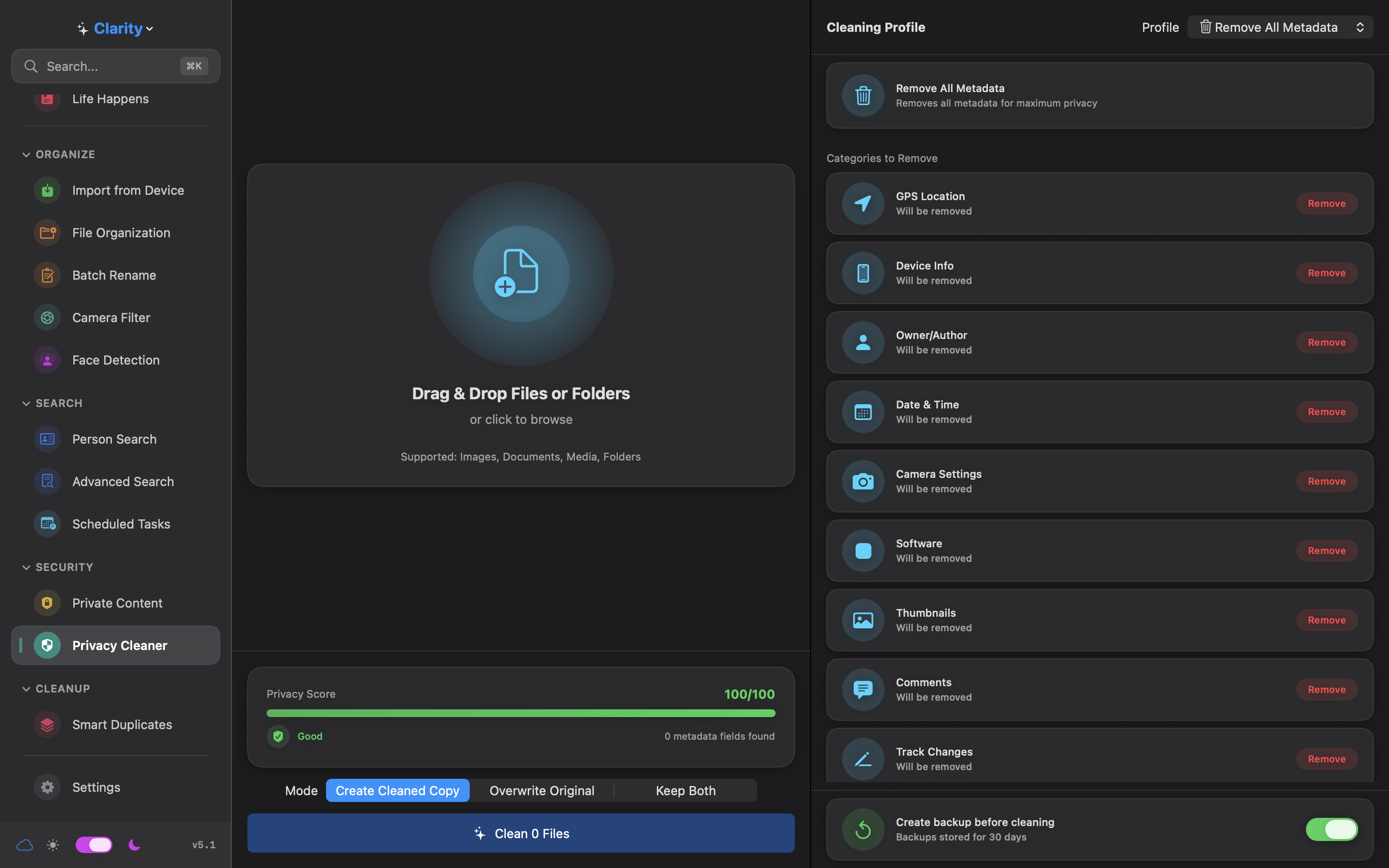
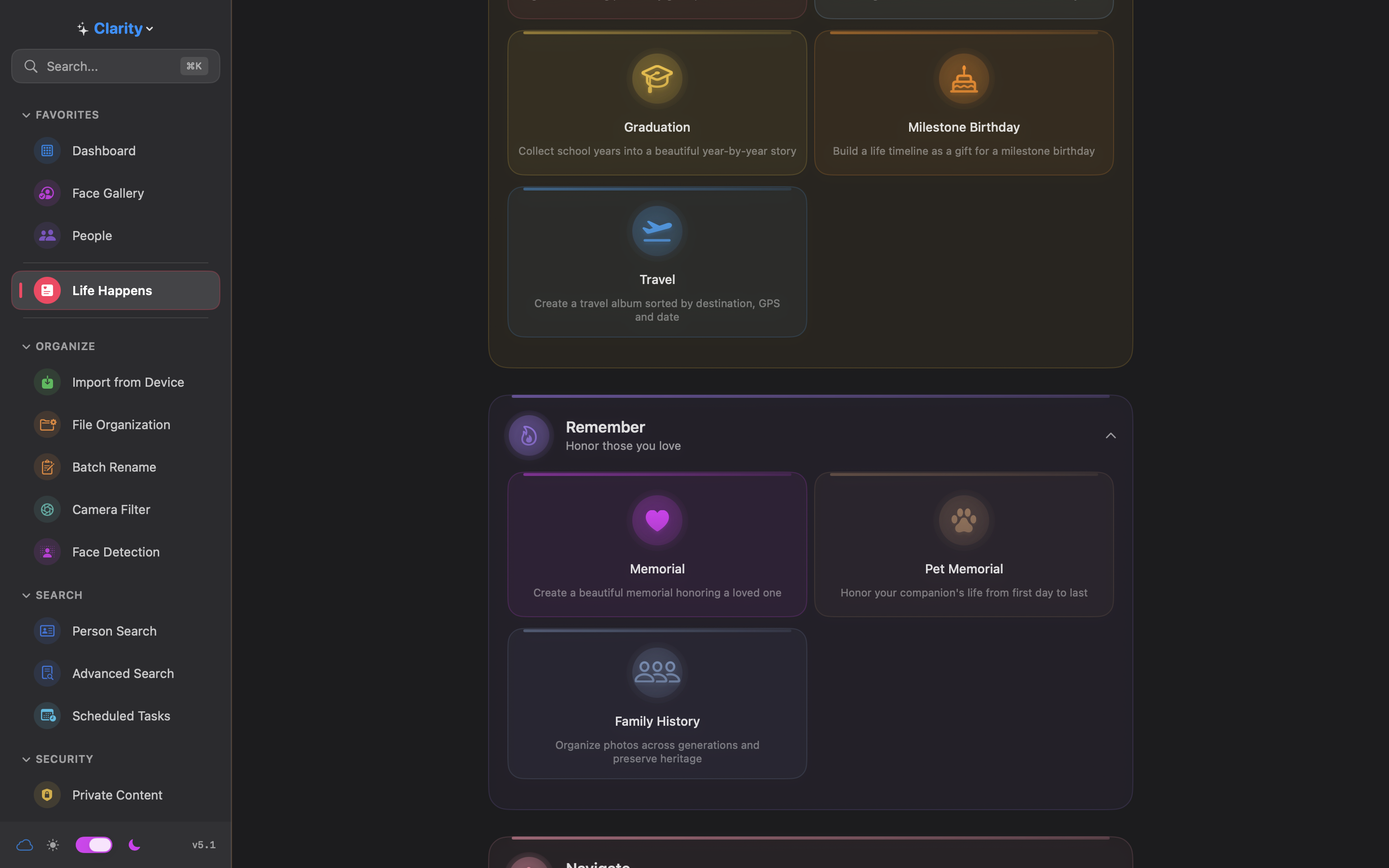
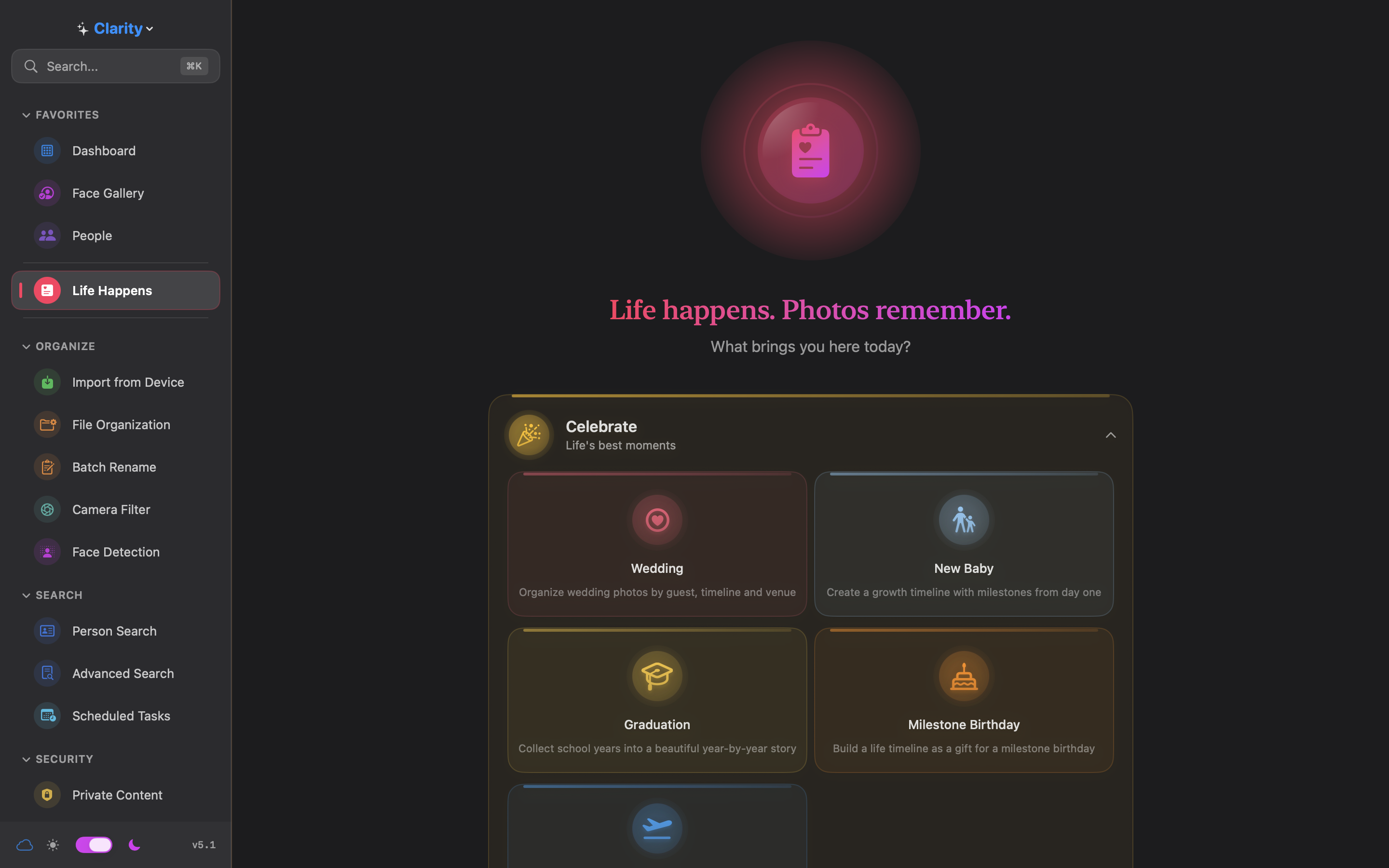
From wedding albums to memorial pages, divorce docs to GDPR exports. The only Mac app combining AI organization, privacy vault, and life transition tools — all 100% offline.
Want to try before you buy? Join our TestFlight beta.
Available in 17 languages including Swedish, German, Japanese, Arabic and more.
13 features. One connected system. The more you use, the more Clarity finds.
Strip GPS, camera info, timestamps. 10 metadata risk categories. Photos + documents supported.
Find every photo of any person in seconds. 100% offline using Apple Vision. Works with 100,000+ photos.
Find exact AND near-duplicates using pHash, dHash, and aHash. Reclaim gigabytes instantly.
Encrypt ANY file type — 70+ formats. AES-256-GCM with Face ID/Touch ID. Chunked encryption for large files.
Automatically find sensitive content in photos AND videos. Auto-vault option.
Detect and blur IDs, faces, emails, phones. 21 countries supported. 36+ document types.
Visual contact grid with smart filters. Profile Completeness Engine. Import from macOS Contacts or vCard.
Find EVERY file about any person. Face, OCR, metadata, GPS, IDs. GDPR/DSAR compliance in minutes.
iPhone, iPad, Android, cameras. Auto-organize by date. Duplicate prevention.
22 conditions × 11 actions. Automate everything. Run on schedule.
24 Smart Tags. EXIF data, GPS reverse geocoding, sequences. Live preview.
Browse by camera model. Perfect for sorting photos by device.
6 task types. Daily, weekly, monthly. Person Search, Face Detection, Duplicates, Privacy, PII, NSFW.
11 export types for life's biggest transitions. Celebrate, remember, navigate, comply.
Your private files deserve the highest level of security. Clarity delivers.
Someone tries your vault with the wrong code? Clarity takes their photo using your Mac's webcam.
Unique FeatureCreate a fake PIN that opens an empty vault. Hand it over under pressure — they see nothing.
Every failed attempt is logged with timestamp, attempt type, and device info.
Industry-standard 12-word recovery phrase. Same technology as crypto wallets. Forget your password? Recover everything.
The same encryption used by governments and banks. 100,000 PBKDF2 iterations. Brute-force attacks would take billions of years.
Touch ID, Face ID, and Optic ID on supported devices.
The only app combining AI photo organization, privacy vault, duplicate detection, and NSFW scanning.
| Feature | Clarity | Excire Foto | Gemini 2 | Keepsafe | Lightroom |
|---|---|---|---|---|---|
| AI Face Recognition | ✓ | ✓ | ✗ | ✗ | ✓ |
| Smart Duplicates | ✓ | ✗ | ✓ | ✗ | ✗ |
| Encrypted Vault | ✓ | ✗ | ✗ | ✓ | ✗ |
| Intruder Capture UNIQUE | ✓ | ✗ | ✗ | ✗ | ✗ |
| NSFW Photo Detection | ✓ | ✗ | ✗ | ✗ | ✗ |
| NSFW Video Scanning UNIQUE | ✓ | ✗ | ✗ | ✗ | ✗ |
| PII Redaction (21 countries) | ✓ | ✗ | ✗ | ✗ | ✗ |
| Life Transition Exports | ✓ 11 types | ✗ | ✗ | ✗ | ✗ |
| 100% Offline | ✓ | ✓ | ✓ | ✗ Cloud | ⚠ |
| Price | $39.99 once | $189 once | $45 once | $36/year | $144/year |
No subscriptions. No hidden fees. Pay once, own it forever.
Need more than 25 Macs? Contact us for Enterprise pricing
One-time purchase. No subscription. Yours forever.
macOS 14.0 Sonoma or later · 100% offline · No cloud required
No. iCloud syncs only metadata — person tags, face labels, and app settings. Your photos, documents, and vault contents are never uploaded anywhere. Zero bytes of your files leave your Mac.
Clarity has zero server costs — everything runs on your Mac. No cloud infrastructure to maintain means no recurring expenses. Major version upgrades will be separate purchases, same model as Sketch, Pixelmator, and many other Mac apps.
The vault uses Apple's CryptoKit (AES-256-GCM) — the same encryption framework behind iMessage and Apple Pay. No custom cryptography. The app is sandboxed and reviewed by Apple. Even if development stopped, your vault keeps working — it's 100% local with no server dependency.
Clarity stores everything locally — backups are your responsibility. We recommend Time Machine or any external backup solution. The upside: no one can breach a cloud server to access your files, because there is no cloud server.
Yes. Face detection runs at 50+ faces per second on Apple Silicon. Duplicate scanning uses three perceptual hash algorithms in parallel. The app is built with 113,000+ lines of Swift and optimized for Apple Silicon from the ground up.
The features aren't separate tools bolted together — they're connected. Face recognition feeds Person Search. Person Search powers GDPR exports. PII detection enables Auto-Redact. It's one pipeline. Most of the heavy lifting uses Apple's own frameworks (Vision, CryptoKit, SCA), so each feature builds on battle-tested foundations rather than custom experiments.
Apple Photos is a photo viewer. Clarity is a file manager with AI. We handle faces, duplicates, privacy metadata stripping, PII redaction, encrypted vault, GDPR exports, and 22-condition automation rules. Apple Photos does none of that.
Three groups: anyone with 10,000+ photos who wants to finally organize them; anyone who cares about what metadata they share when they send a photo; and any business that needs to respond to GDPR requests without spending €50K on enterprise software.